
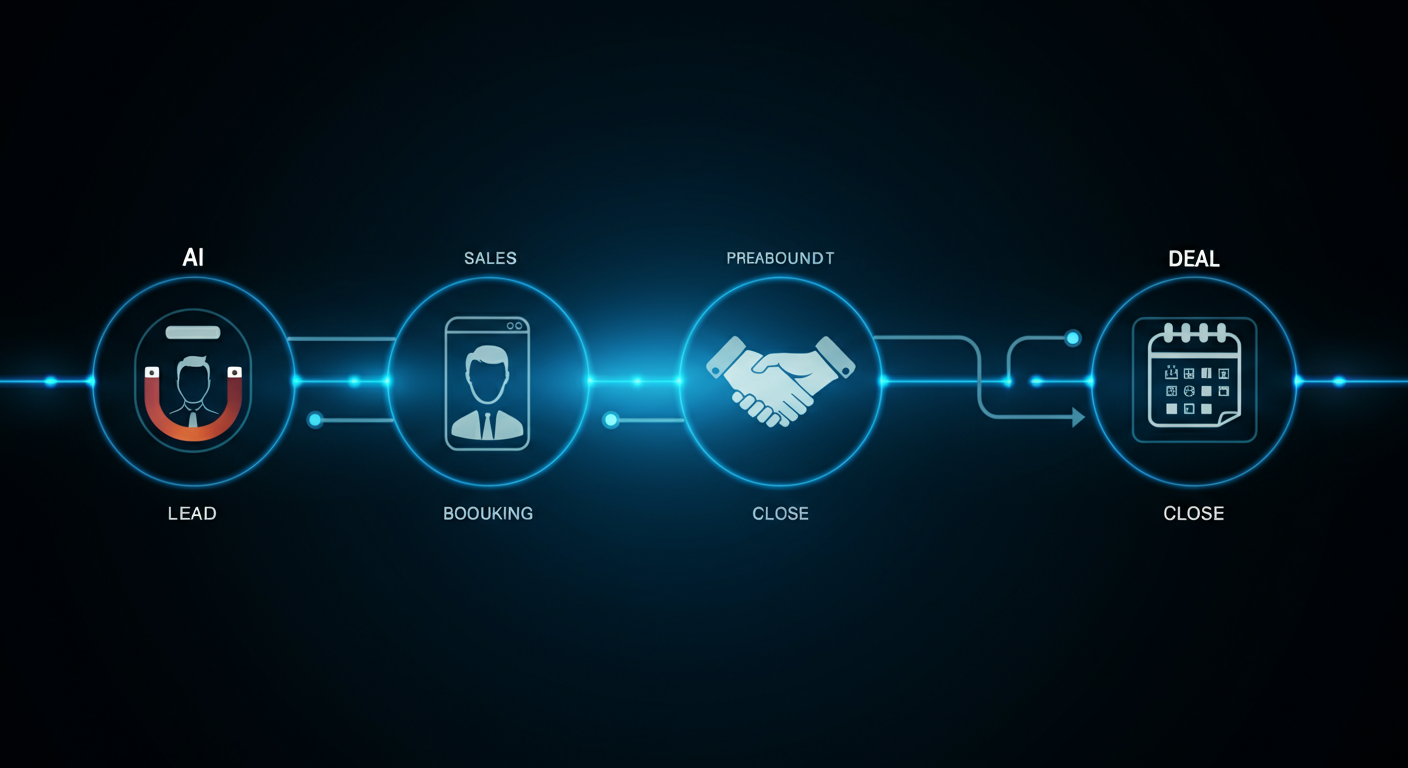
An AI sales playbook is the complete system — tools, scripts, workflows, and handoff protocols — that takes an inbound lead from first contact to booked discovery call without any human involvement. What used to require an SDR, a scheduler, and a CRM admin can now be handled by a three-layer automation stack that runs 24/7, qualifies accurately, and books directly into your rep’s calendar.
This is the full playbook UNHOOKED uses for client deployments. Use it as a blueprint.
The Stack: Three Layers That Must Work Together
Every AI sales playbook runs on three integrated layers:
- The CRM (HubSpot, Salesforce, or GoHighLevel): The source of truth. Every lead, every interaction, every outcome lives here. The AI agent writes to it; your human reps read from it. Non-negotiable: the CRM must fire webhooks in real time when leads are created or updated.
- The Workflow Automation (n8n): The brain. It receives CRM events, decides what action to take (outbound call, SMS, email), calls the AI platform, handles tool call responses from the agent, and writes outcomes back to the CRM. Every piece of logic that is not the conversation itself lives here.
- The Voice AI Platform (Vapi): The voice. It manages the phone call, runs the LLM that generates agent responses, converts speech to text in real time, and makes tool calls to your n8n webhook when it needs data or needs to take action.
Stage 1: Lead Detection and Outbound Trigger
The playbook starts the moment a lead enters your CRM. Your CRM fires a webhook to n8n with the lead data. n8n validates the data (is the phone number valid? is it business hours in the lead’s timezone? has this number already been called today?), prepares the outbound call payload, and sends an API request to Vapi to initiate the call.
Critical validations to run before every outbound call:
- Phone number format valid and non-empty
- Time is within business hours for the prospect’s time zone
- Contact not in DNC (Do Not Call) registry
- Contact not already in an active call or recent call attempt
- ai_outbound_status property is “new” or empty (not “called” or “failed”)
Immediately after triggering the call, update the CRM status to “calling” to prevent duplicate outreach from any other automation running in parallel.
Stage 2: The Qualification Conversation
The Vapi assistant begins the call with a warm, natural introduction that references why the agent is calling — ideally tied to the specific form the lead submitted or the content they engaged with. The conversation follows a five-part qualification script:
- Introduction: Who is calling, why, and a genuine opening that invites a response
- Confirmation: Verifying the lead is who the form submission says they are
- Need exploration: An open question about what they are looking for and what is driving the inquiry
- Qualification questions: 2 to 3 targeted questions that determine fit — budget range, company size, current situation, timeline
- Transition: If qualified, move directly to calendar booking. If not, a graceful close that leaves the door open.
Every question and response flows through the LLM, which means the conversation adapts to what the prospect actually says. The agent is not a rigid IVR — it is a dynamic conversation partner working within defined guardrails.
Stage 3: Real-Time Tool Calls During the Conversation
During the qualification conversation, the Vapi agent makes tool calls to n8n for two purposes:
- SLOTS: When the prospect qualifies and is ready to book, the agent calls your SLOTS webhook to get the next 3 available times in the rep’s calendar. Your n8n workflow queries Google Calendar’s API, formats the times (“Tuesday April 15 at 10 AM Pacific”), and returns them to the agent to speak aloud.
- BOOK: When the prospect selects a slot, the agent calls your BOOK webhook with the confirmed time. n8n creates the Google Calendar event, adds the prospect as an attendee, sends a confirmation email with the meeting link, and updates the CRM contact with the meeting details and outcome.
Both tool calls must return within 2 seconds to avoid awkward pauses in the conversation. Optimize your n8n workflow for speed: cache calendar availability for 60 seconds, use direct API calls rather than chained workflows, and set short timeouts on external API calls.
Stage 4: CRM Writeback and Rep Handoff
After every call — whether it resulted in a meeting, a callback request, an unqualified lead, or a no-answer — the n8n workflow writes the full outcome to the CRM:
- Contact created or updated with all collected data
- ai_outbound_status updated (called, no-answer, unqualified, callback-requested)
- A CRM note with the call outcome summary and key qualification answers
- The meeting details (if booked) on the contact record and associated deal
- The Vapi call ID for accessing the full transcript and recording
The rep receives a Slack or email notification (triggered by n8n) with a pre-call brief: who they are meeting, what the prospect said they need, their qualification status, and a link to the call transcript. They walk into the discovery call prepared.
Stage 5: The No-Answer and Unqualified Sequences
A complete AI sales playbook handles every outcome, not just the ideal path:
No-answer sequence: Retry call after 2 hours (same day only). If still no answer, send an SMS with a personalized booking link 4 hours after the first attempt. If no SMS response in 24 hours, trigger a 3-email follow-up sequence over 7 days. After the sequence completes, move to monthly re-engagement automation.
Unqualified lead sequence: Mark as unqualified in CRM with the specific reason. Add to a long-cycle nurture email sequence (monthly educational content). Flag for re-qualification in 90 days if the disqualifying factor was timeline (“not ready for 3 months”).
Callback-requested sequence: Log the requested time and trigger a new outbound call at that exact time. The agent references the callback request in its opening to set context.
Frequently Asked Questions: AI Sales Playbook
What is an AI sales playbook?
An AI sales playbook is the complete system — including technology stack, conversation scripts, workflow logic, and outcome sequences — that automates the process of taking a new lead from first contact to booked discovery call.
How long does it take to implement a full AI sales playbook?
A production-ready implementation with CRM integration, calendar booking, and tested conversation flows takes 2 to 3 weeks when done by a team experienced with the stack.
What is the conversion rate of a well-implemented AI sales playbook?
For inbound leads (people who requested information), expect 20 to 35 percent lead-to-meeting conversion when the qualification criteria are well-defined and the response time is under 60 seconds. This compares to typical human SDR rates of 8 to 15 percent.
Can the AI sales playbook handle multiple languages?
Yes. Vapi supports multilingual agents when configured with the correct transcriber language settings. Spanish, Portuguese, French, and other major languages are supported with the appropriate Deepgram language codes.
What happens when the AI makes a mistake or says something wrong?
Your script guardrails prevent the most common errors. Call recordings and transcripts are reviewed weekly to identify and fix systematic issues. Every conversation is logged for audit purposes.
This playbook is what UNHOOKED deploys for every AI Agents and Automations client. See what a full implementation looks like for your business.