
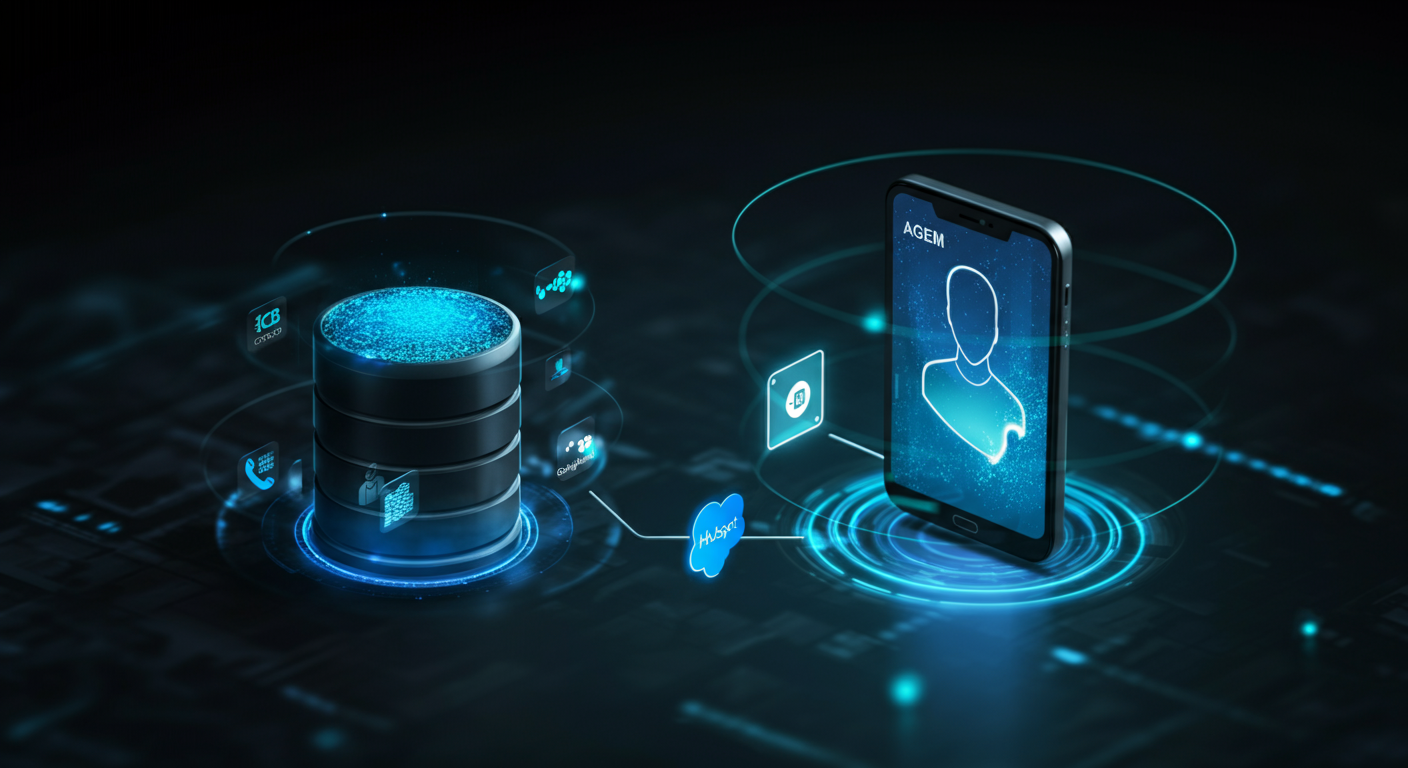
Connecting an AI agent to your CRM enables the agent to look up existing contacts, create new records, update properties in real time during calls, and log every conversation outcome automatically — without any human data entry. This integration is the difference between an AI agent that generates useful data and one that is a conversation island disconnected from your sales operations.
The Architecture: How AI Agents Talk to CRMs
AI voice agents do not connect directly to CRMs. Instead, they communicate through a workflow automation layer that acts as a translator between the agent’s tool calls and the CRM’s API.
The flow works like this: during a call, the AI agent decides it needs to look up or update CRM data. It makes a “tool call” — a structured API request to a webhook URL in your workflow automation system. The automation receives the request, calls the CRM’s API with the appropriate data, gets a response, and returns the result to the AI agent. All of this happens in milliseconds during the live conversation.
The three-layer architecture:
- AI Voice Platform (Vapi, Bland, Retell): Manages the conversation, makes tool calls to your webhook
- Workflow Automation (n8n, Zapier, Make): Receives webhook calls, translates them to CRM API requests, returns results
- CRM (HubSpot, Salesforce, GoHighLevel): Source of truth for contact data, receives updates from the automation
Connecting to HubSpot
HubSpot is the most common CRM in UNHOOKED client deployments. The integration requires a Private App token with contacts read and write permissions.
Key operations your n8n workflow must handle:
- LOOKUP: GET /crm/v3/objects/contacts/search — search by phone number to find existing contacts. Return name, email, company, and any custom properties (ai_outbound_status, previous notes) to the AI agent.
- CONTACT (create/update): POST /crm/v3/objects/contacts for new contacts; PATCH /crm/v3/objects/contacts/{id} for updates. Use the dynamic properties_json pattern — only send non-empty fields to avoid overwriting existing data with blank strings.
- NOTE: POST /crm/v3/objects/notes with association to the contact — log the call outcome, transcript summary, and qualification answers as a CRM note for the rep to review.
Critical HubSpot integration rule: Always send Content-Type: application/json in your HTTP headers on all PATCH and POST requests. HubSpot returns a 415 Unsupported Media Type error without it, and the error is silent from the AI agent’s perspective.
Connecting to Salesforce
Salesforce integration requires OAuth 2.0 authentication or a Connected App with named credentials. The REST API is more complex than HubSpot but more powerful for enterprise deployments.
Key Salesforce operations:
- LOOKUP: SOQL query via /services/data/vXX.0/query?q= — search Contact or Lead by phone number
- CREATE: POST /services/data/vXX.0/sobjects/Lead/ or /Contact/ — create a new record with appropriate field mapping
- UPDATE: PATCH /services/data/vXX.0/sobjects/Contact/{Id} — update specific fields post-call
- ACTIVITY LOGGING: Create a Task record with WhoId pointing to the Contact/Lead and Description containing the call transcript summary
Connecting to GoHighLevel
GoHighLevel (GHL) is popular with agencies and solo operators. Its API uses Bearer token authentication and a contact-centric data model.
Key GHL operations:
- LOOKUP: GET /contacts/search?query={phone} — returns contact ID and properties
- CREATE/UPDATE: POST /contacts/ for new contacts; PUT /contacts/{id} for updates
- NOTES: POST /contacts/{id}/notes — add the call transcript and outcome as a contact note
- TAGS: POST /contacts/{id}/tags — apply qualification outcome tags (qualified, unqualified, callback-requested, etc.)
The properties_json Pattern: Avoiding Data Overwrite
The most common data integrity issue in AI agent CRM integrations is the “blank field overwrite” problem. When your workflow sends a PATCH request with an empty string for a field (because the AI did not collect that data on a particular call), the CRM overwrites the existing value with a blank. A contact who had a recorded email loses it when the agent calls to update their qualification status.
Fix: build your CRM update payload dynamically. Only include fields in the PATCH request if they have non-empty values from the current call. In n8n, use a Code node to build the properties object conditionally before the HTTP request node.
Frequently Asked Questions: AI Agent CRM Integration
Which CRM is easiest to connect to an AI agent?
HubSpot is generally the most straightforward due to its well-documented REST API, generous free tier, and strong n8n and Zapier native integrations.
Can an AI agent update Salesforce in real time during a call?
Yes, through the tool-call architecture. The agent calls your webhook mid-conversation, the automation calls the Salesforce API, and the result returns to the agent in milliseconds.
Do I need a developer to connect my CRM to an AI agent?
Not necessarily. n8n and Zapier have native HubSpot, Salesforce, and GoHighLevel integrations that handle API authentication and basic operations without code. Complex conditional logic or custom field mapping may require a low-code developer or partner.
What data should an AI agent write back to the CRM after each call?
At minimum: contact created or updated, call outcome (qualified/unqualified/callback/no-answer), qualification answers, timestamp, and AI call ID for audit trail. Optionally: full transcript link, sentiment score, and next-step details.
How do I prevent duplicate contacts in my CRM from AI agent calls?
Always start your CRM interaction with a LOOKUP by phone number. If a contact is found, update the existing record. Only create a new record if no match is found. Build deduplication logic into your n8n workflow before any create operations.
Getting the CRM integration right is the difference between a useful AI agent and a conversation island. UNHOOKED handles the full integration stack as part of every AI agent deployment.