
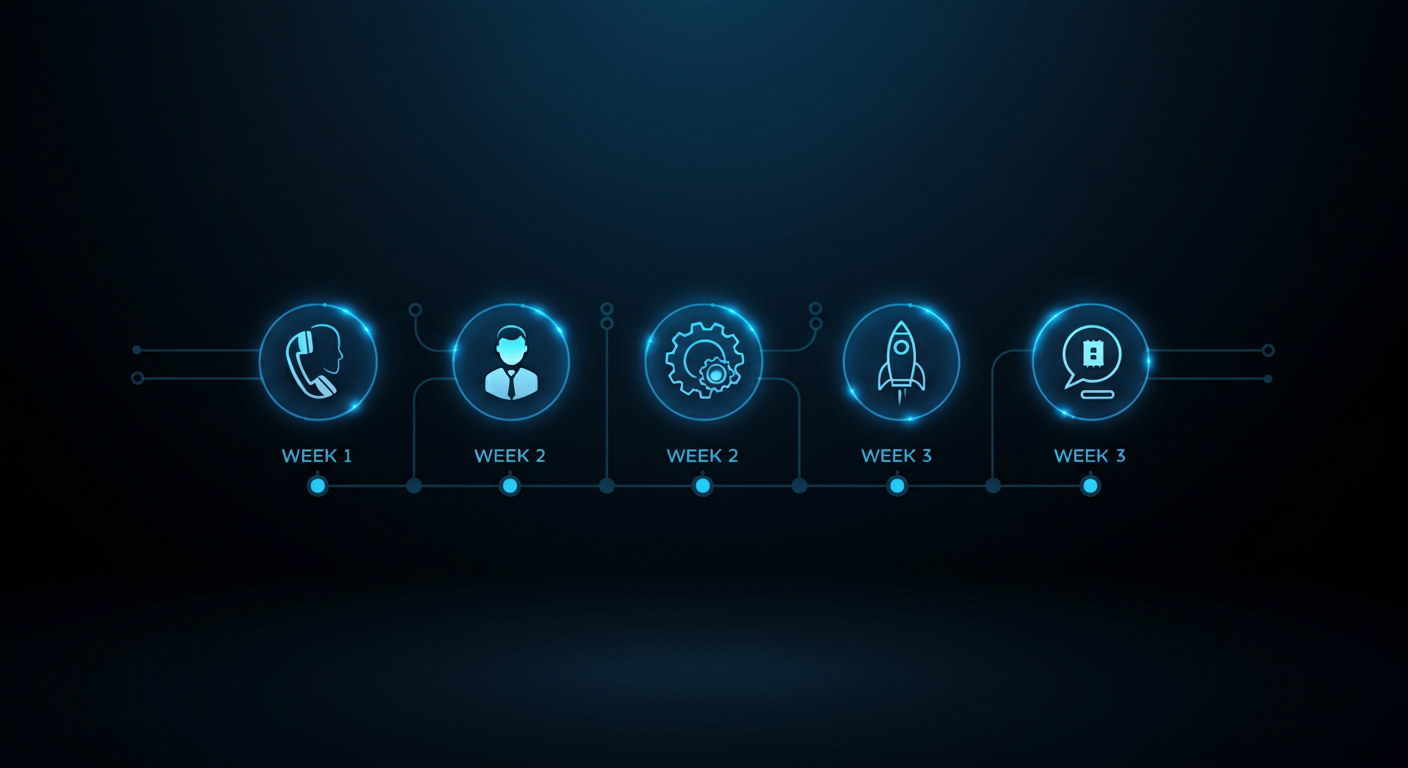
Deploying an AI voice agent in 3 weeks is achievable without an engineering team when you follow the right sequence: platform selection, script design, CRM and calendar integration, testing on real calls, and a controlled go-live. Most teams that fail to launch in 3 weeks do so because they start with the technology before defining the conversation — the fastest path to a working system starts with the script, not the code.
This guide gives you the exact week-by-week process UNHOOKED uses to deploy production AI voice agents for clients across multiple industries.
Before You Start: The 3 Decisions That Determine Everything
Before touching any technology, make three decisions:
- What is the agent’s job? Inbound qualification, outbound prospecting, appointment reminders, follow-up calls? Each use case has a different script structure and different success metrics.
- What makes a lead qualified? Define your exact criteria: budget range, company size, decision-making authority, timeline, geographic market. The agent can only qualify for criteria you define explicitly.
- What happens after qualification? Does the agent book directly? Transfer to a live rep? Send a Calendly link? The end action shapes the entire conversation design.
Without clear answers to these three questions, every technical decision that follows will be built on an unstable foundation.
Week 1: Platform, Script, and Architecture
Choose your voice AI platform. The three platforms UNHOOKED has deployed in production are Vapi, Bland AI, and Retell AI. For most businesses, Vapi offers the best balance of flexibility, reliability, and documentation. Bland AI is strong for high-volume outbound. Retell has a cleaner UI for teams building without a technical partner.
Select your supporting stack:
- Workflow automation: n8n (self-hosted or cloud) or Zapier for webhook handling
- CRM: HubSpot, Salesforce, or GoHighLevel — must have API access
- Calendar: Google Calendar with OAuth integration
- TTS voice: ElevenLabs (custom voice) or the built-in voice options in your platform
- STT transcriber: Deepgram nova-3 (English) or nova-3 with language code for non-English agents
Write the conversation script. A good qualification script has five parts: (1) Introduction and reason for call, (2) Confirmation of the right person, (3) 3 to 5 qualification questions in natural conversational order, (4) Transition to calendar booking for qualified leads, (5) Graceful close for unqualified leads. Write this as a conversation, not a flowchart. Then define your guardrails — things the agent should never say and how it should handle common objections.
Week 2: Build, Wire, and Test Internally
Configure the voice AI assistant. In Vapi (or your chosen platform), create the assistant with your system prompt, choose your voice, configure the Deepgram transcriber, and define your tools — the webhook endpoints the agent will call during conversations for calendar availability and CRM updates.
Build your workflow automation. In n8n, create the webhook endpoints that the voice agent calls:
- PING: health check (returns “OK”)
- LOOKUP: search CRM for existing contact by phone number
- CONTACT: create or update CRM contact with call data
- SLOTS: query Google Calendar for available times in a defined window
- BOOK: create a Google Calendar event and send confirmation emails
Run internal test calls. Call your own phone number from the test panel. Have team members play the role of different prospect types: interested and qualified, interested but unqualified, hostile, confused, non-English speaking. Listen to every call recording. Fix every failure point before moving to live prospects.
Critical technical check: Verify that every Vapi tool has a fully-defined parameter schema with all fields listed and “required”: [“action”] set. An empty properties object means the LLM will never send the action parameter to your webhook — the agent will hang up after every tool call attempt. This is the single most common deployment failure.
Week 3: Controlled Go-Live and Optimization
Start with a limited lead batch. Do not route all leads to the AI on day one. Start with 10 to 20 leads from a single source — a specific form, a specific ad campaign — and monitor every call in real time for the first 48 hours.
Listen to call recordings and read transcripts. In the first week, review every call. Identify the 3 most common places the conversation breaks down and fix the script. Common issues: the agent does not handle “how did you get my number” gracefully, the qualification questions feel too interrogative, or the calendar slot presentation is confusing.
Expand to full lead routing once quality is stable. After 50 successful calls with a conversation quality you are proud of, expand to all inbound leads. Set up monitoring alerts for calls that end with no action taken — these indicate script or technical failures that need attention.
Define your optimization cadence. Review call transcripts weekly for the first month, bi-weekly for months 2 and 3, and monthly after that. The script should evolve as you learn more about what your prospects actually say and need.
The Tool Schema Issue That Kills Most DIY Deployments
If your AI voice agent calls your webhook but the action parameter is never sent, your webhook will receive empty data and the agent will fail silently. This is caused by an incomplete tool schema in the voice AI platform.
Every tool in your Vapi assistant must have all parameters explicitly defined — including the action parameter with its enum of valid values. The LLM uses this schema to know what data to send. An empty schema means the LLM sends nothing. An empty webhook call means your n8n workflow cannot route the request. The agent gets no response, waits, and hangs up.
Fix: In Vapi’s tool configuration, set the schema type to “object”, list every parameter explicitly (action, full_name, email, phone, time_zone, start_iso, end_iso, etc.), and set “required”: [“action”]. This is a 5-minute fix that unlocks the entire system.
Frequently Asked Questions: Deploying an AI Voice Agent
What is the fastest way to deploy an AI voice agent?
Use a pre-built framework: Vapi for the voice platform, n8n for automation, HubSpot for CRM, and Google Calendar for scheduling. With these four tools and a well-written script, a working prototype can be built in 3 to 5 days and a production-ready system in 3 weeks.
Do I need to code to deploy an AI voice agent?
Not necessarily. n8n’s low-code interface handles most of the integration logic. Vapi has a UI for assistant configuration. The primary technical skill required is understanding webhook requests and JSON data structures — not full software development.
What languages can an AI voice agent speak?
Most voice AI platforms support major languages including English, Spanish, Portuguese, French, German, and more. Spanish agents require a Spanish-language transcriber (Deepgram nova-3 with language code “es” or “es-419”) — the default English transcriber will garble Spanish speech.
How many calls can an AI voice agent handle simultaneously?
Unlike a human, an AI voice agent has no practical limit on concurrent calls. It can handle 1 or 1,000 simultaneous conversations. Costs scale with call volume (per-minute pricing), but capacity is not a constraint.
What is the failure rate of AI voice agents?
A well-built and properly tested system should have a technical failure rate (calls that end with no outcome due to errors) below 5 percent. Common causes of failure: webhook timeouts, CRM API rate limits, and transcription errors in noisy environments.
You do not have to build this alone. UNHOOKED deploys production AI voice agents in 3 weeks — from script design to live calls. Book a free 15-minute call to see if we are the right fit.